Premium Smart Home Automation
Synra for NodeSpark and Home Assistant
Synra is the premium companion for NodeSpark. It works with NodeSparkHub and configured Home Assistant setups so smart-home actions can be requested, reviewed, and confirmed.
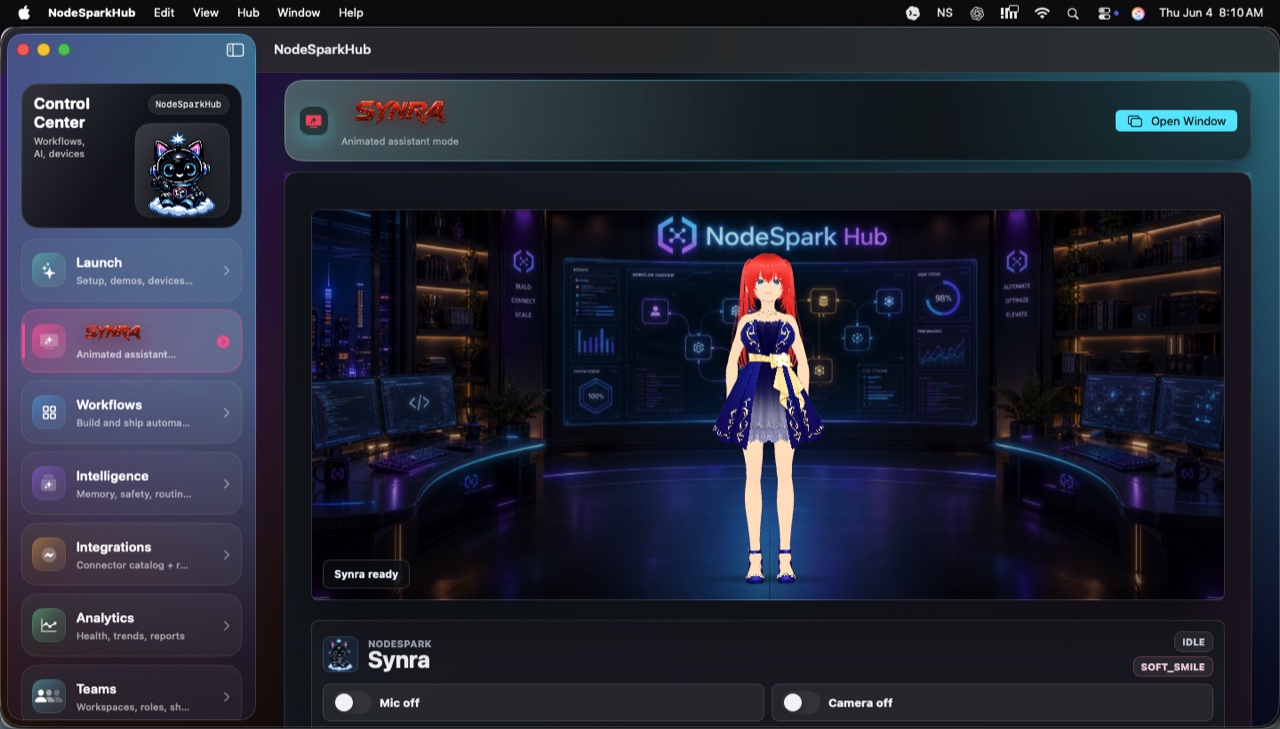
NodeSpark, NodeSparkHub, and Synra work together as the flagship Synryzen automation ecosystem.
Why this matters
Premium NodeSpark companion
Synra adds the assistant layer for explaining workflows, preparing smart-home actions, and guiding NodeSparkHub setup.
Works with Home Assistant
Connect configured Home Assistant setups so Synra can help route smart-home requests through your automation path.
Confirmation first
Keep device changes, scenes, and sensitive actions behind explicit user approval.
How to think about the workflow
- Start with NodeSpark and NodeSparkHub.
- Connect a configured Home Assistant setup.
- Use Synra to prepare or explain the smart-home workflow.
- Review and confirm sensitive actions before they run.
Connected experience
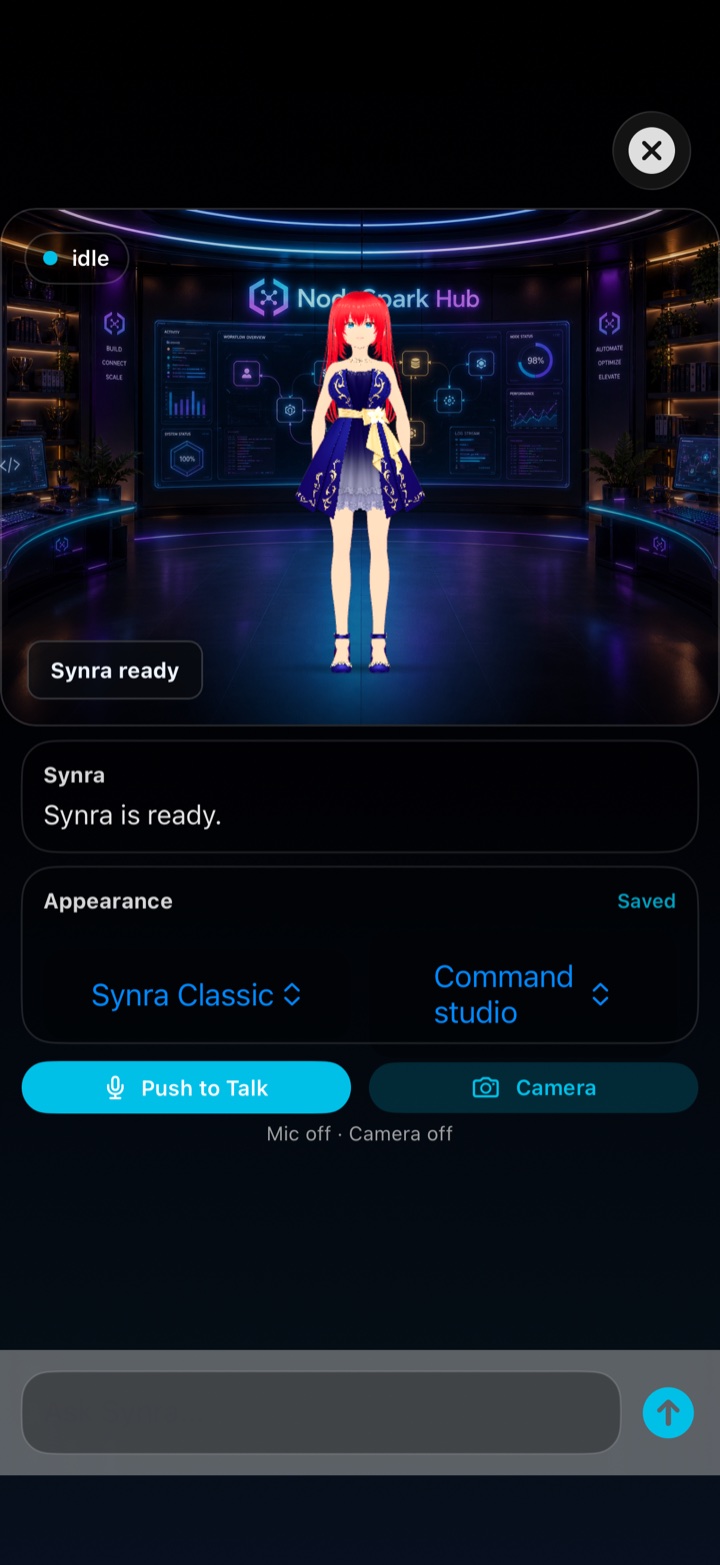
Synra appears where the automation work happens.
The assistant mode can sit beside NodeSparkHub on Mac while NodeSpark keeps the mobile control surface simple.
Example workflows
- Ask Synra to prepare a lights, climate, or scene workflow before sending it through NodeSparkHub.
- Review a Home Assistant action before it changes a device state.
- Use NodeSparkHub logs to understand what happened after a smart-home workflow ran.
Need help choosing?
Synryzen is built for practical users who want tools they can actually put to work. Start with the app, then connect deeper pieces as your workflow grows.
Related pages
Stay in the loop
Get Synryzen product updates.
Join the early update list for NodeSpark, NodeSparkHub, Synra, Home Assistant automation notes, App Store releases, and practical workflow ideas.
Tell me what you care about.
Pick the product area and leave a note if you want help choosing where to start.
FAQ
Common questions
Does Synra replace Home Assistant?
No. Synra works with a configured Home Assistant setup and helps route, explain, and confirm actions alongside NodeSparkHub.
Why use NodeSparkHub with Home Assistant?
NodeSparkHub gives the workflow system a Mac-side runtime for schedules, workers, logs, credentials, and connected devices.
Can smart-home actions be confirmed first?
Yes. Sensitive actions can be reviewed and confirmed before they run.