Home Assistant
Home Assistant Automation With Synra and NodeSparkHub
Use Synra as the friendly assistant layer for configured Home Assistant setups while NodeSparkHub keeps the automation runtime visible and confirmation-gated.
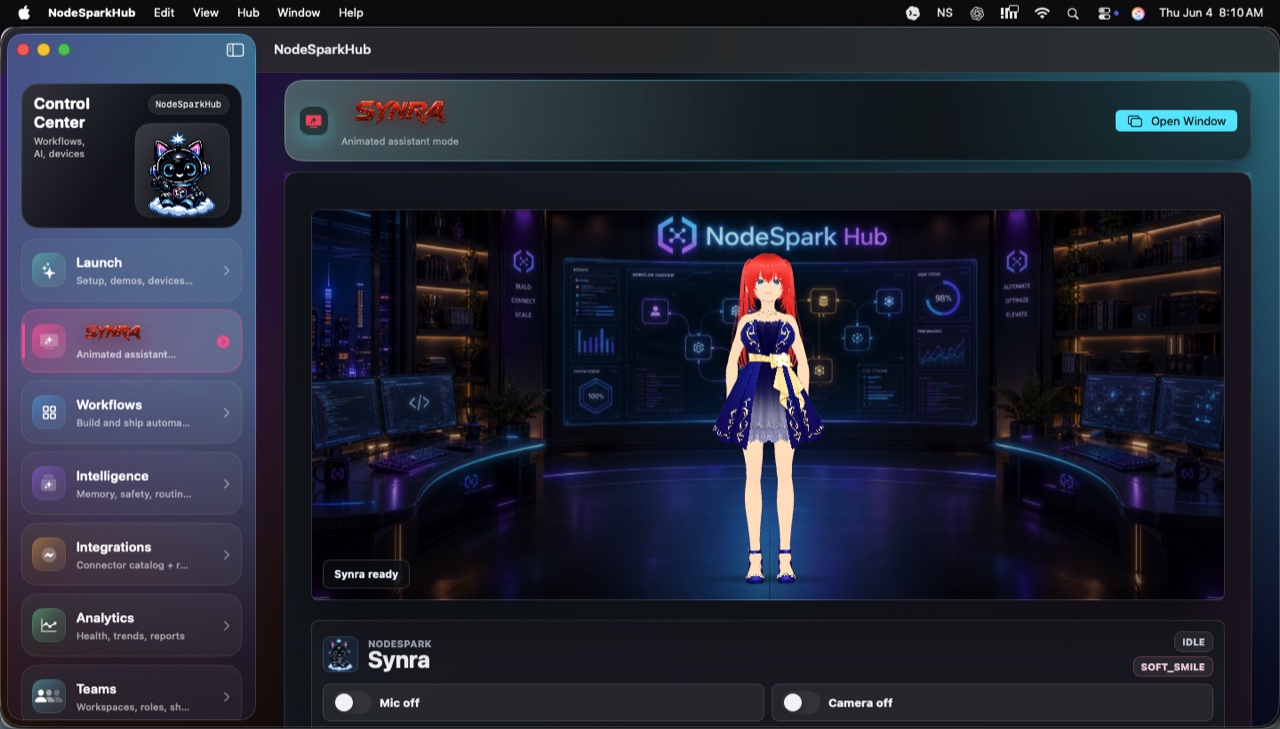
NodeSpark, NodeSparkHub, and Synra work together as the flagship Synryzen automation ecosystem.
Why this matters
Explain before action
Synra can explain what a scene, script, or device action is intended to do before anything changes.
Use NodeSparkHub as runtime
NodeSparkHub keeps workflow context, logs, credentials, workers, and schedules on the Mac side.
Confirm smart-home changes
Lights, scenes, switches, climate, and scripts should stay behind explicit confirmation.
How to think about the workflow
- Set up Home Assistant and keep its token private.
- Pair the configured path with Synra where supported.
- Use Synra to explain the target action.
- Confirm before changing devices or scenes.
- Use NodeSparkHub logs and workflow context for follow-up.
Smart-home assistant layer
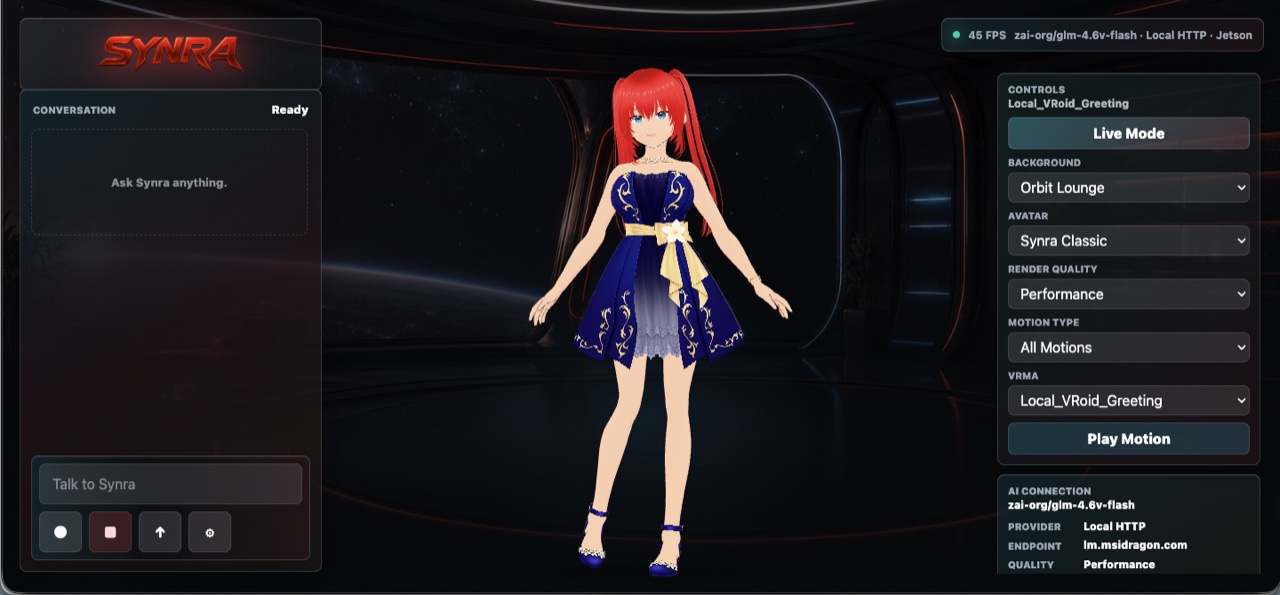
Synra makes Home Assistant actions easier to understand.
The marketing promise is not remote control from the website. The promise is a safer assistant layer inside the real configured apps.
Example workflows
- Prepare a morning routine and confirm before scenes run.
- Ask Synra what a Home Assistant script will affect.
- Use a friendly name to find the right device or scene.
- Review a smart-home change before it turns anything on or off.
Need help choosing?
Synryzen is built for practical users who want tools they can actually put to work. Start with the app, then connect deeper pieces as your workflow grows.
Related pages
Stay in the loop
Get Synryzen product updates.
Join the early update list for NodeSpark, NodeSparkHub, Synra, Home Assistant automation notes, App Store releases, and practical workflow ideas.
Tell me what you care about.
Pick the product area and leave a note if you want help choosing where to start.
FAQ
Common questions
Does the website control my smart home?
No. The public website does not connect to Home Assistant, private Hubs, credentials, or devices.
What is the best starting app?
Start with Synra for assistant-guided Home Assistant planning and NodeSparkHub when you want the Mac runtime for workflows.
Can Synra run local?
Synra Standalone is designed for local assistant paths, including Jetson-style deployments for advanced users.