
SayRove: Voice Translator
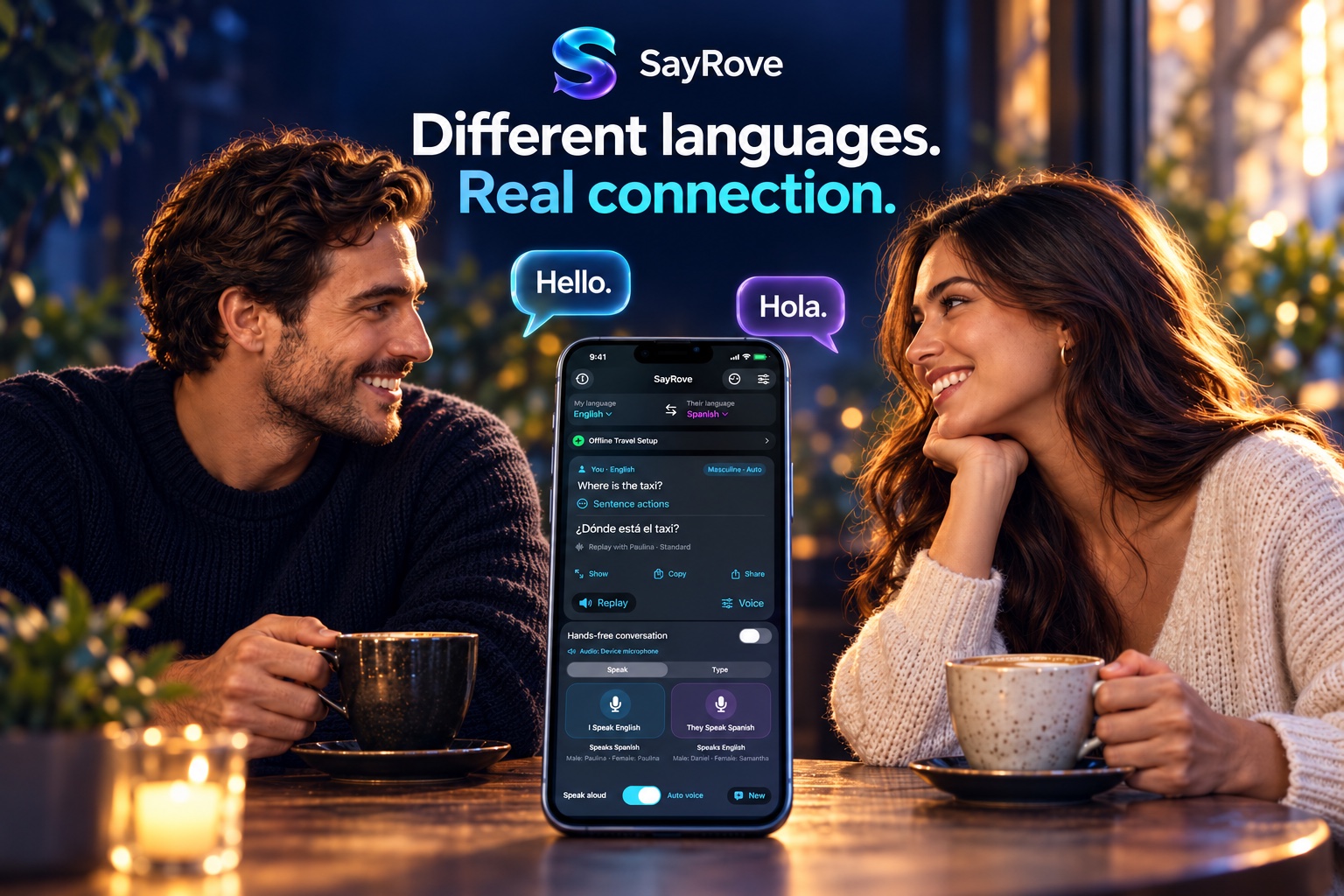
Different languages.
Real connection.
From dinner abroad to everyday conversations, SayRove brings spoken and typed translation together in one beautifully simple iPhone and iPad app.
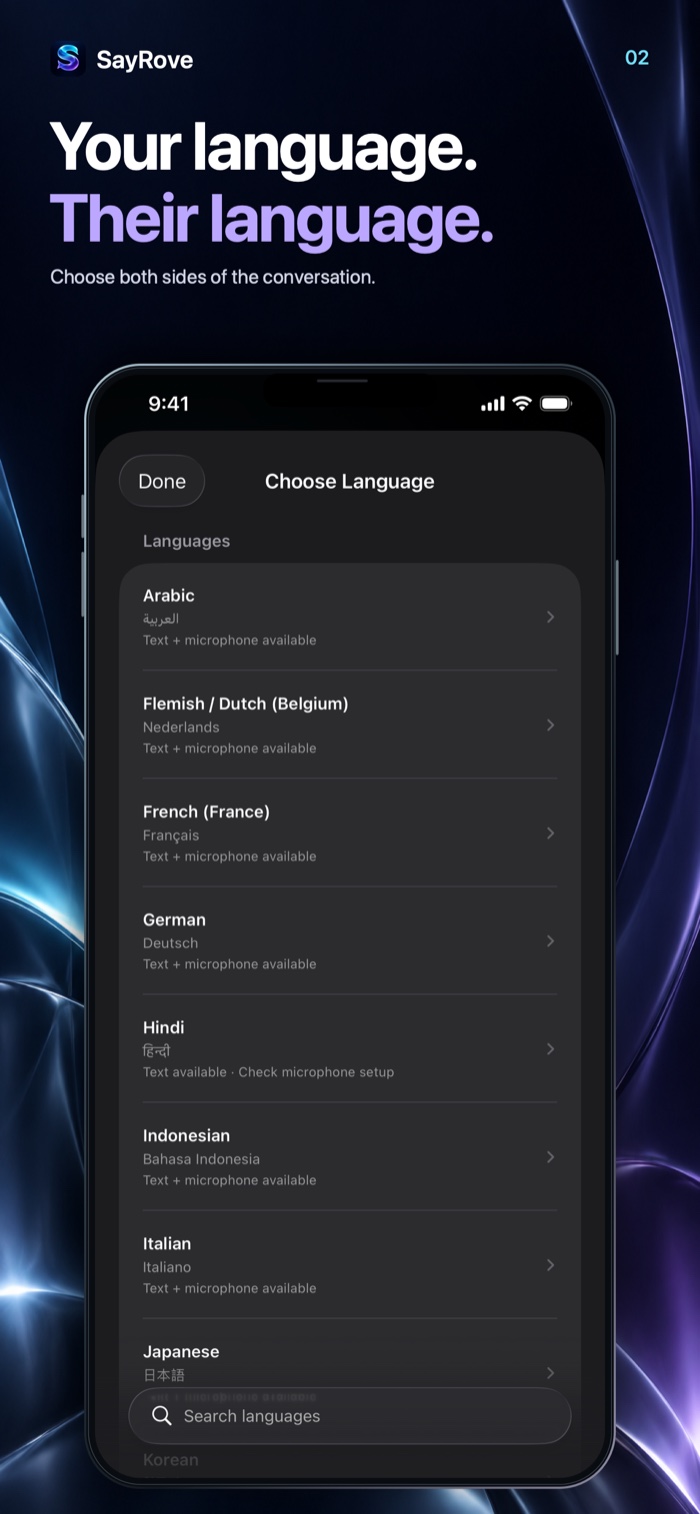
Your language. Their language.
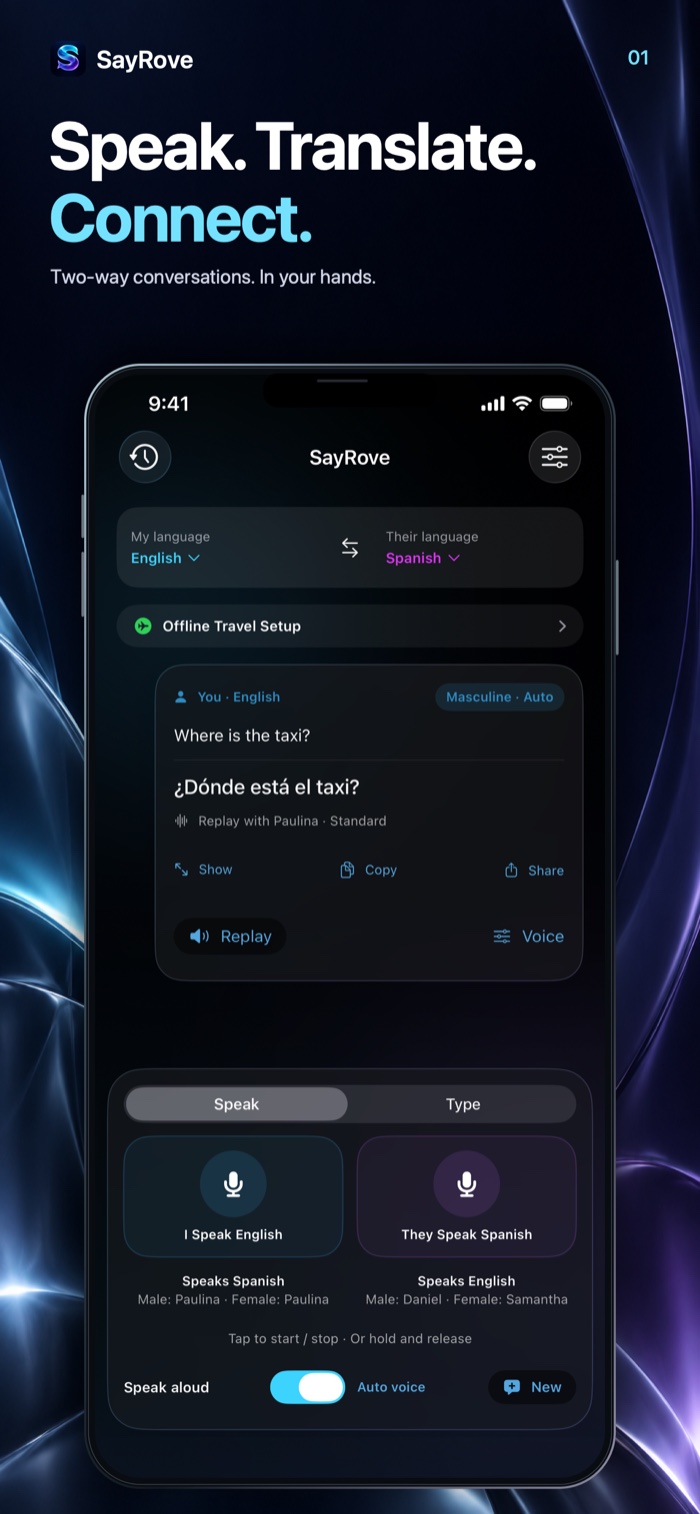
Speak. Translate. Connect.
Choose the language you speak and the language the other person speaks. Swap sides, speak or type, and keep the conversation moving with clear controls and translated playback.
Go hands-free
Speak in either selected language without pressing a button for every turn. Adjust listening pauses to your pace, or use the individual speaking controls.
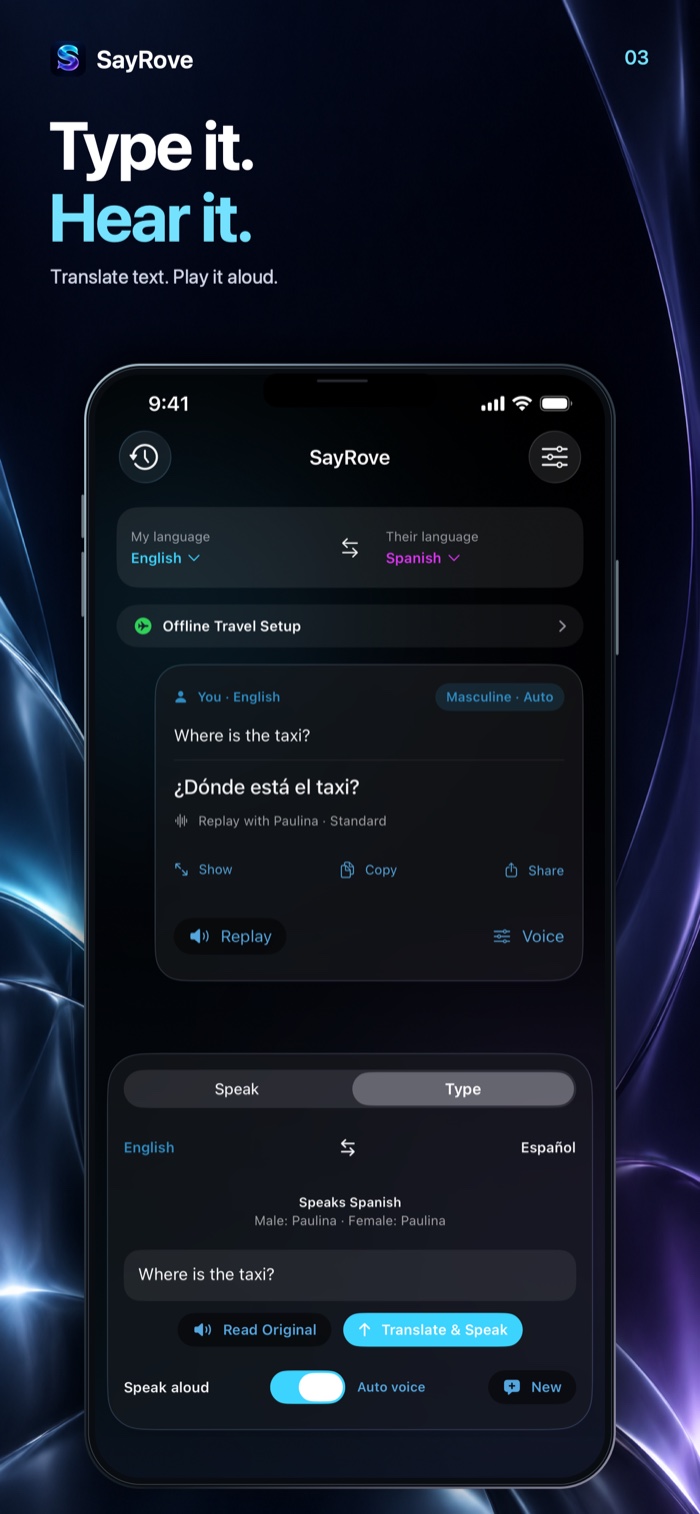
Speak or type
Use spoken input when it suits the moment, or type a message when talking is inconvenient. Read the translation and choose whether to play it aloud.
Make the voice yours
Preview available Apple voices, choose masculine and feminine playback profiles, and adjust speaking speed. Guided steps help you find Enhanced and Premium voices where available.
Prepare before you go
Follow the interactive setup guide to download supported translation and speech-recognition resources before your trip. Offline capability depends on your languages and installed resources.
Keep what matters
Save, rename, favorite and search conversations on your device. Copy translations, share transcripts, save phrases, or enlarge text for someone to read.
Built for two sides
Use Tabletop mode, larger conversation text, slower playback and sentence corrections. Connect a compatible Bluetooth speakerphone for shared conversations.
See the connection
A conversation can open a whole new world.
Watch the SayRove commercial.
A closer look
Made to feel clear, from the first conversation.
Explore the official App Store screenshots. Scroll sideways to see all six views.
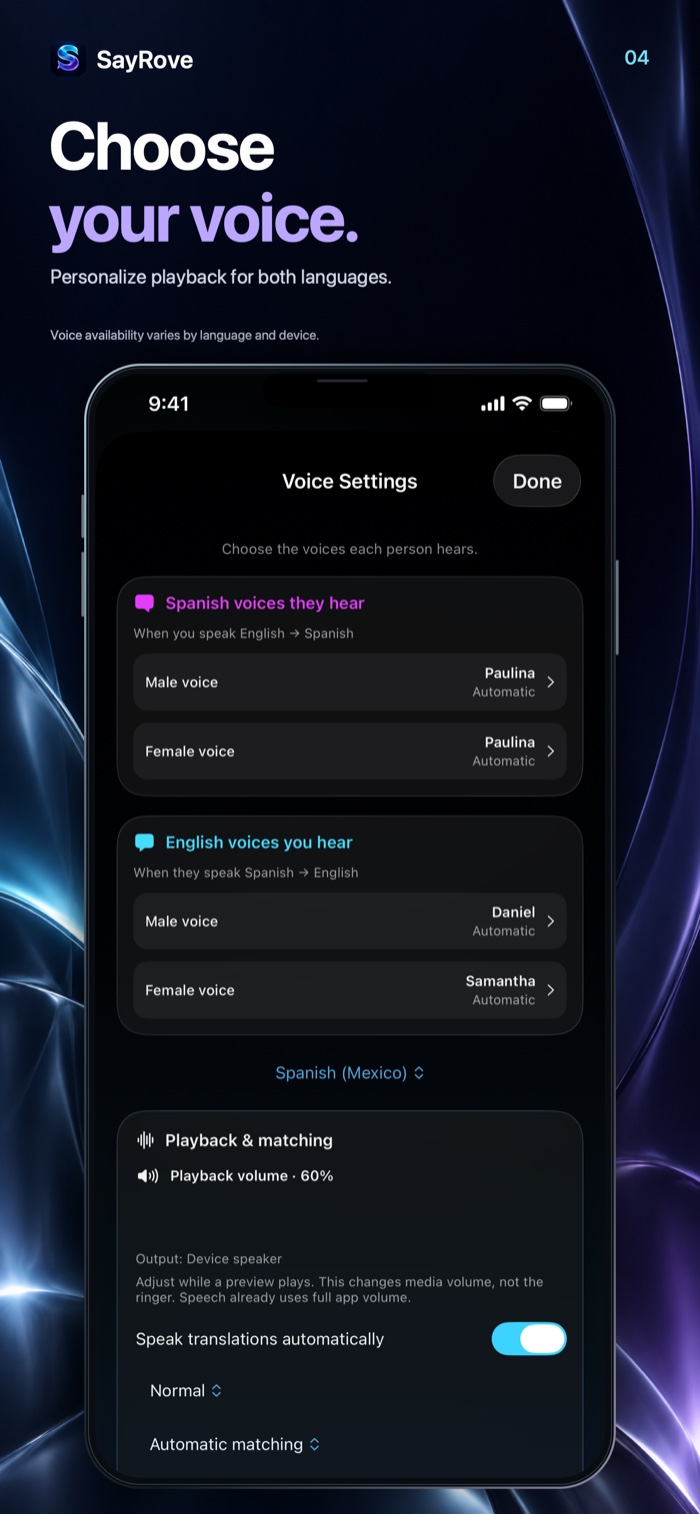
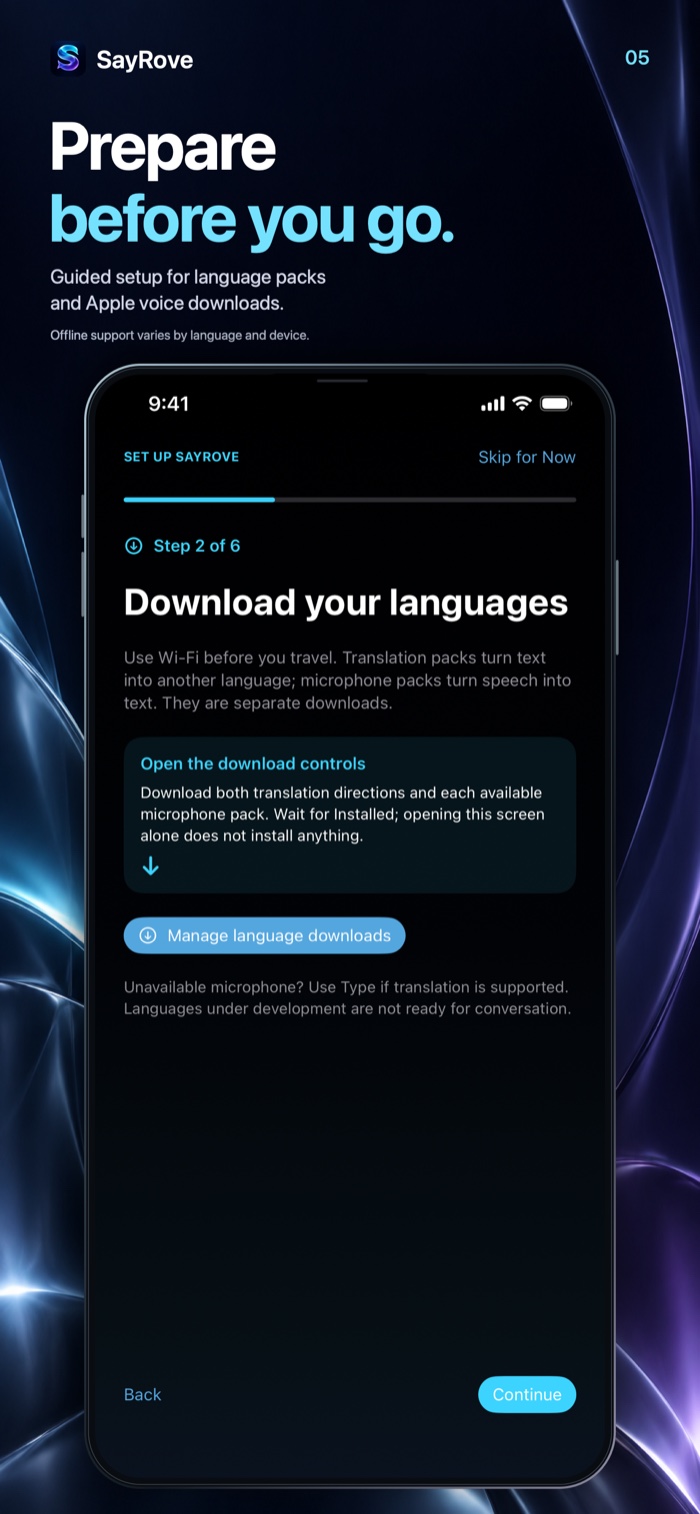
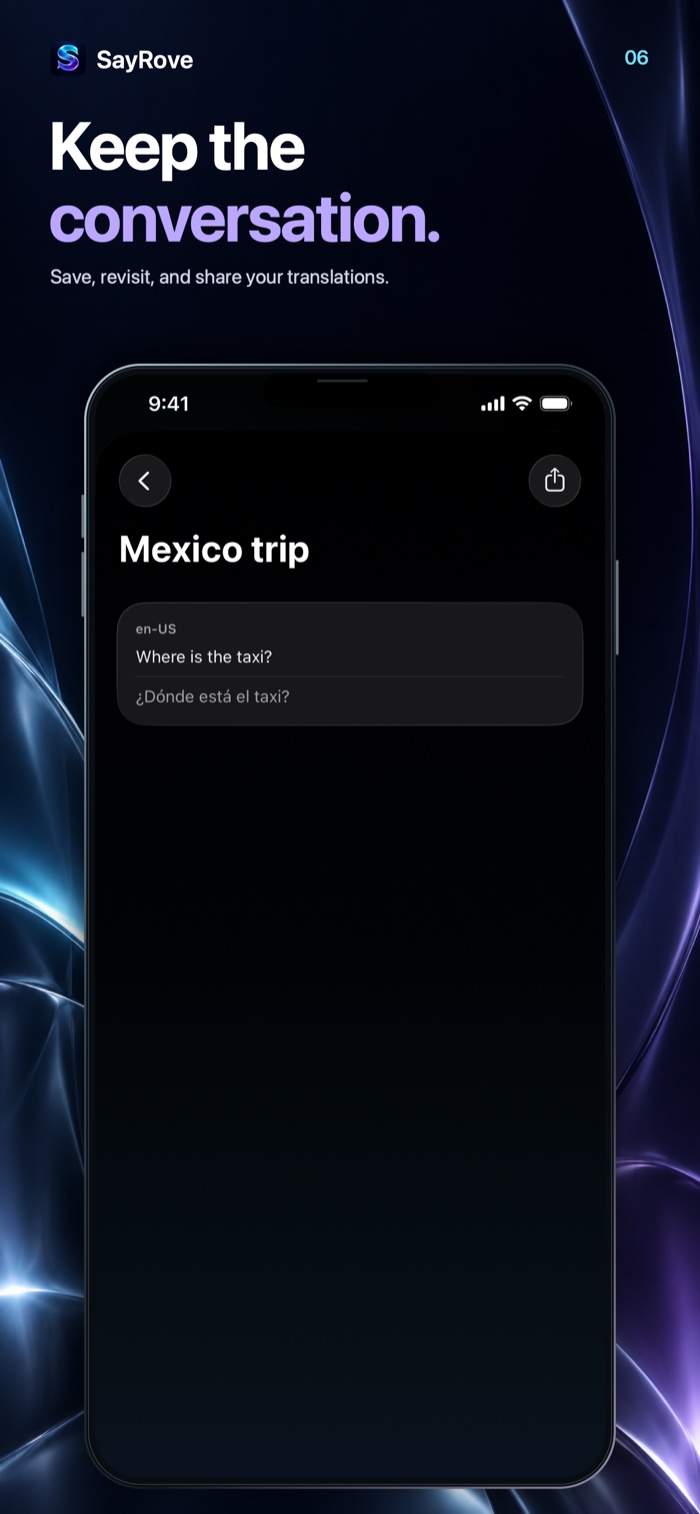
Latest release · 2.1
Conversations, at your pace.
The latest update makes conversations easier to follow.
- Adjustable listening pauses. Choose Short, Standard or Relaxed to set how long hands-free mode waits after you stop speaking.
- Larger conversation text. Choose Standard, Large or Extra Large text for conversations and Tabletop mode.
- Repeat the latest translation. Replay your most recent translation with one convenient button.
Find pause and text settings under Conversation Tools → Conversation Options.
Also introduced in 2.0
Hands-free translation, compatible Bluetooth speakerphone support, improved playback voice matching, Tabletop mode, saved phrases, sentence corrections and slower playback. Private conversations let you talk without saving conversation history, alongside smoother scrolling and more reliable audio startup.
Questions, answered
A little preparation. A lot more connection.
Which devices can use SayRove?
SayRove is designed for iPhone and iPad running iOS or iPadOS 26.0 or later. See the current App Store listing for device compatibility.
Can I use SayRove offline?
Supported features can work offline after the necessary language and voice resources are prepared. Use the setup guide and download available packs while connected to the internet. Offline support varies by language, device, operating system and installed resources.
Do I have to speak, or can I type?
You can do either. Speak with microphone and speech-recognition permissions enabled, or type a message for supported language pairs. Translated playback can be turned off when you want a quieter conversation.
Can I save or share a conversation?
Save conversations on your device, rename them, mark favorites and search your history. You can copy translations and share transcripts. Use private conversations when you do not want conversation history saved.
Where can I get help?
Contact support@synryzen.com. You can also visit Synryzen Support and the privacy policy index.
SayRove · iPhone & iPad
Bring your words.
Find your connection.
A beautifully simple way to speak, translate and connect.