Smart home
Home Assistant Morning Routine
Prepare a safe morning routine that can review devices or scenes, explain what will happen, and ask for confirmation before control.
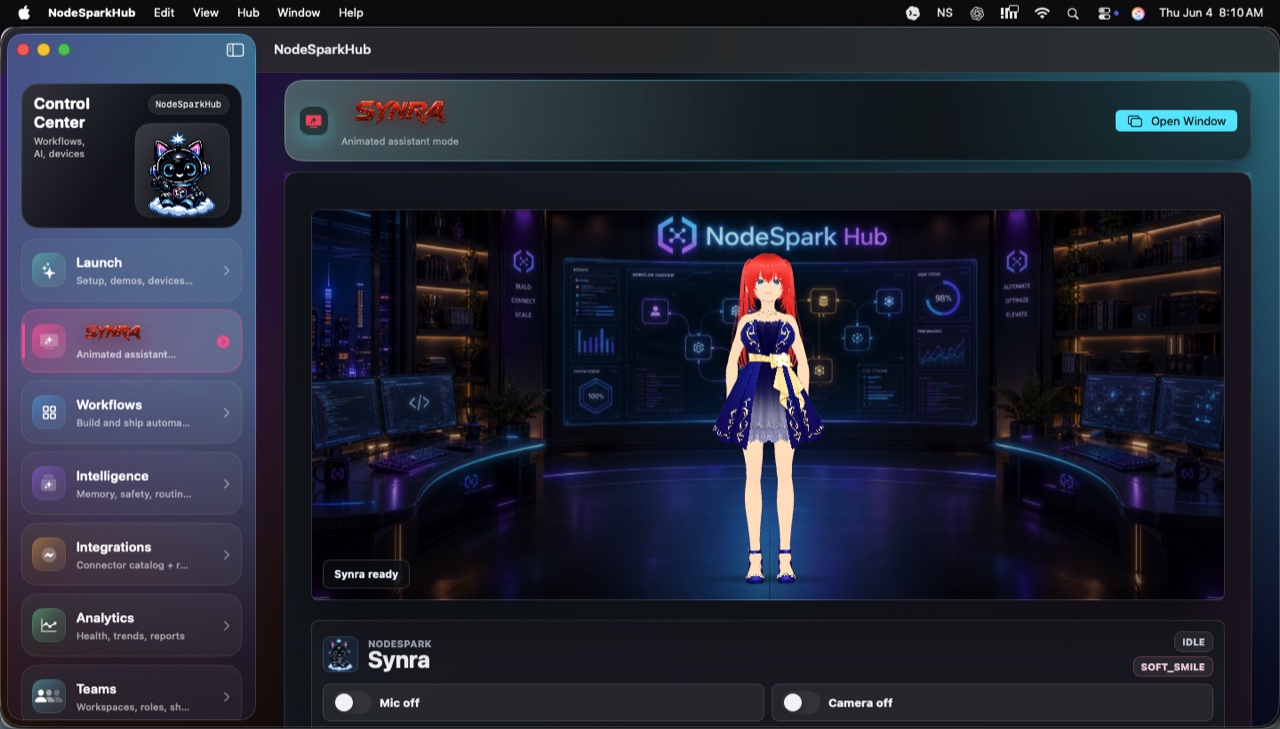
NodeSpark, NodeSparkHub, and Synra work together as the flagship Synryzen automation ecosystem.
Template stack
What this uses
Synra, NodeSparkHub, configured Home Assistant, confirmation gate.
- Make smart-home control easier to understand.
- Keep actions behind confirmation.
- Position Synra as the premium Home Assistant companion.
Website safety boundary
This page is a public marketing template. It does not connect to private Hubs, expose credentials, request microphone or camera access, or run real workflows.
Build path
How to build it
Connect a configured Home Assistant setup.
Choose the morning scene, device group, or script target.
Ask Synra to explain the action in plain language.
Confirm before changing lights, switches, climate, or scenes.
Use NodeSparkHub logs to inspect what happened afterward.
Next step
Try the real app path.
Use the matching app link when you are ready to build, run, or review this workflow for real.
Stay in the loop
Get Synryzen product updates.
Join the early update list for NodeSpark, NodeSparkHub, Synra, Home Assistant automation notes, App Store releases, and practical workflow ideas.
Tell me what you care about.
Pick the product area and leave a note if you want help choosing where to start.
FAQ
Common questions
Does Synra replace Home Assistant?
No. Synra works with a configured Home Assistant setup and helps explain or prepare actions.
Are smart-home actions automatic?
Sensitive actions should be reviewed and confirmed before they run.