NodeSpark App
Explore NodeSpark, SynRyzen’s cutting-edge iOS app that transforms your mobile experience with intuitive features, seamless performance, and smart connectivity. Designed to simplify your daily tasks and inspire creativity with the ability to pair with the macOS version NodeSparkHub to control workflows remotely.
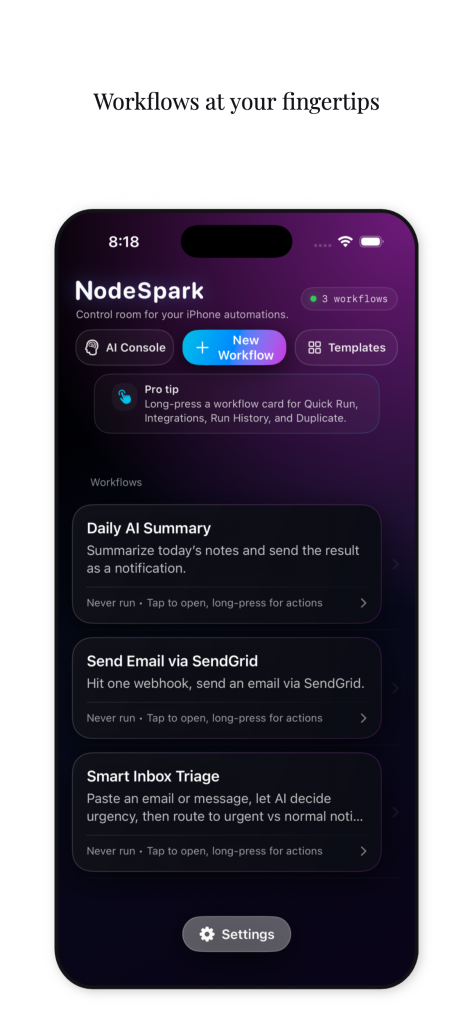
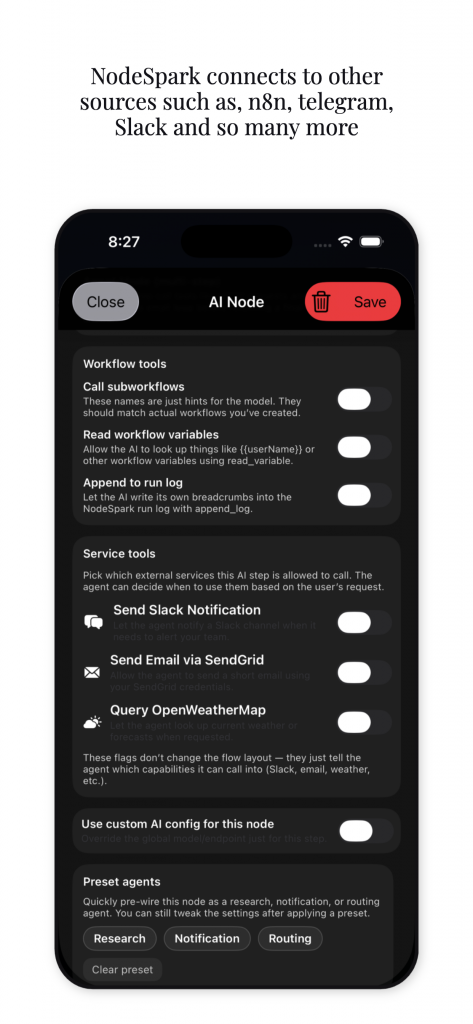
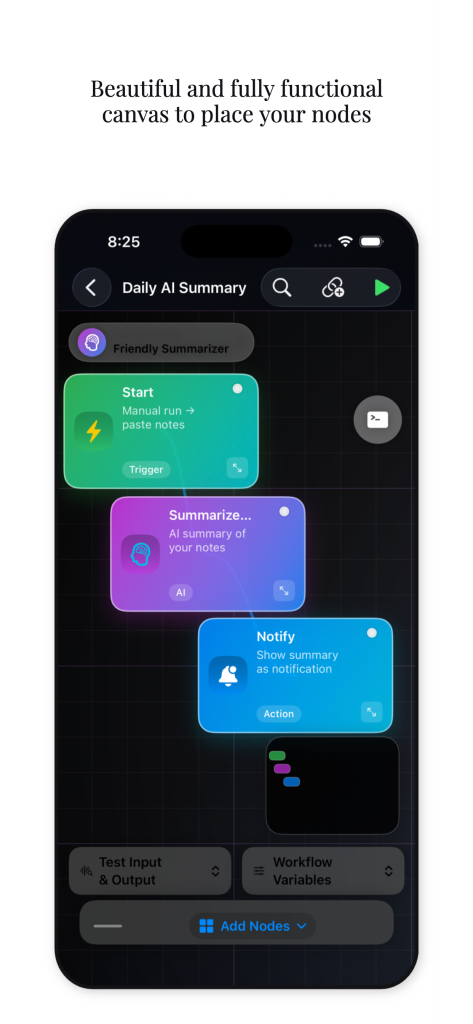
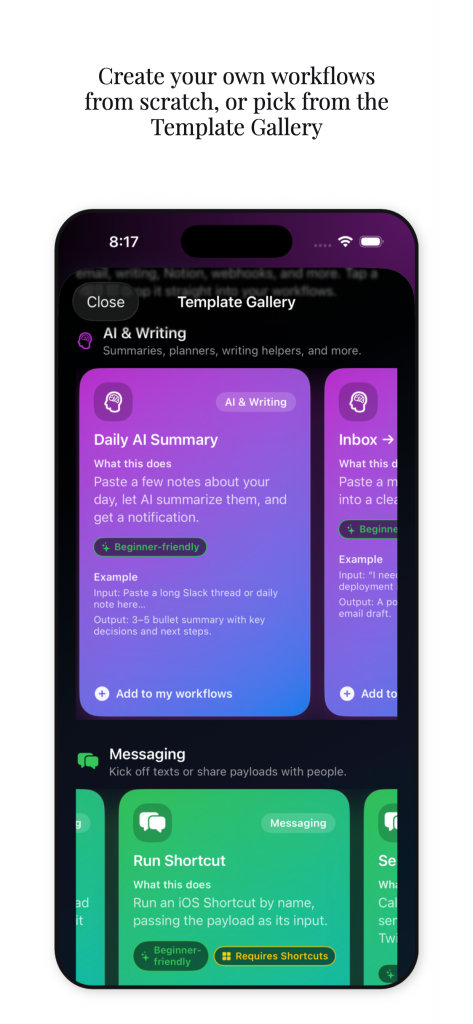
Discover NodeSpark in Action
Browse a carefully selected set of visuals that capture the innovation and spirit behind NodeSpark.
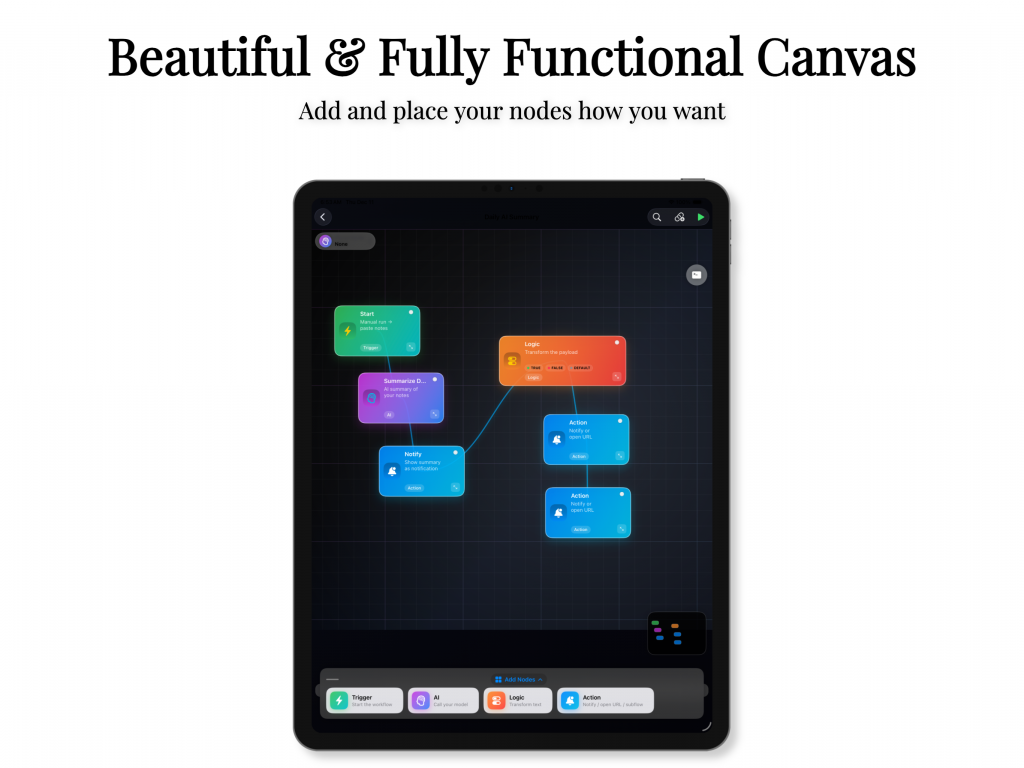
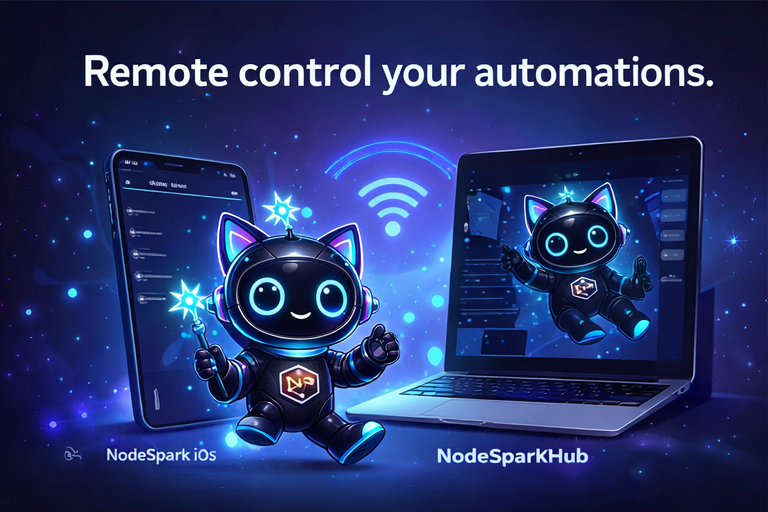
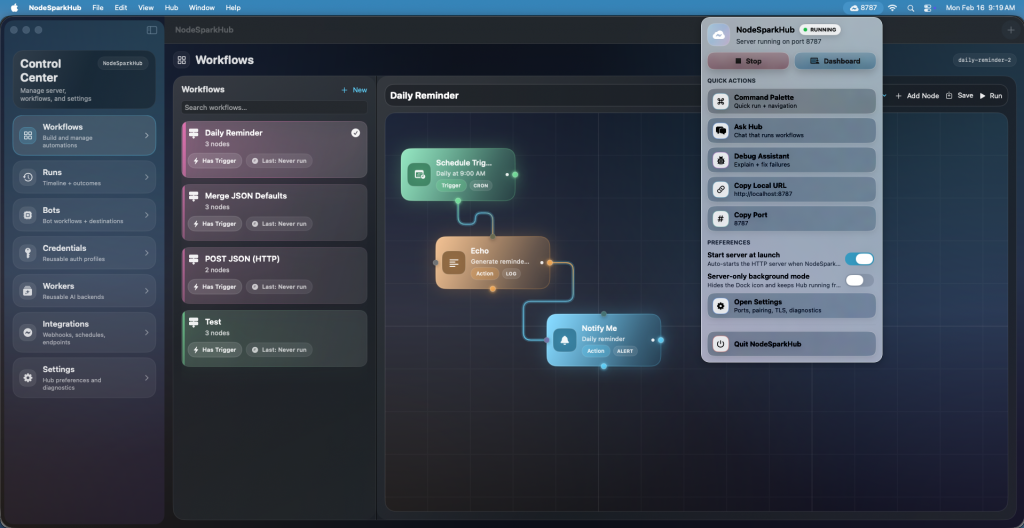
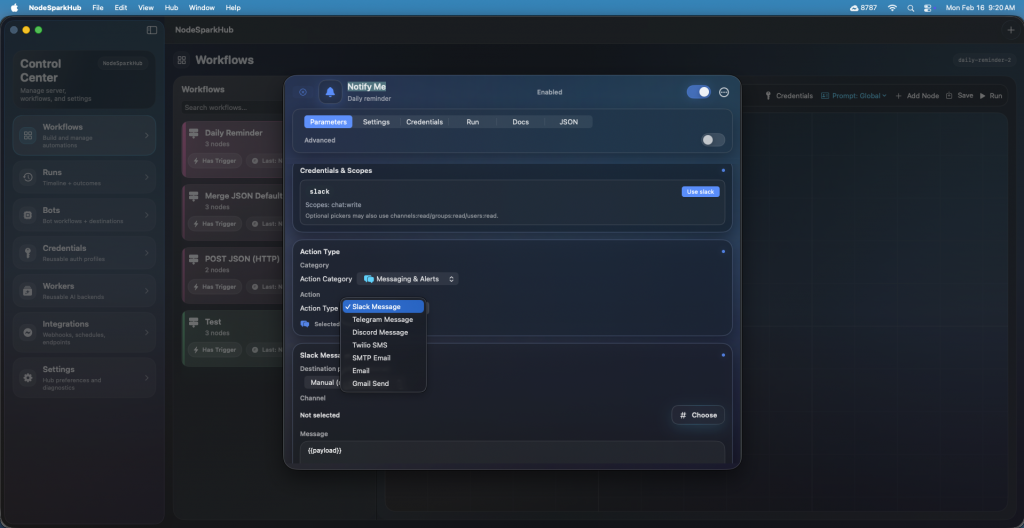
Discover NodeSparkHub in Action
Browse a carefully selected set of visuals that capture the innovation and spirit behind NodeSparkHub.
How NodeSpark Works
Explore the intuitive steps to launch NodeSpark and unlock its full potential for an enhanced mobile experience.

Step One: Installation & Setup
Begin by downloading NodeSpark from the App Store and configuring your preferences to tailor the app to your needs.

Step Two: Create Workflow & add Nodes
Most everything is setup to make workflow automations with ease. No Coding Experience Required. Download NodeSparkHub on macOS for a complete experience working remotely to your own server hub.

Step Three: Optimization
Discover tips to optimize your experience using NodeSpark, ensuring seamless performance and enhanced benefits.
User Feedback and Insights
Our clients’ testimonials speak volumes about our services and commitment. Get an insight into their experiences.

NodeSpark has completely changed the way I manage my workflow—intuitive, fast, and reliable.

Alex Morgan
Product Manager
The app’s seamless design and powerful features demonstrate SynRyzen’s dedication to excellence and innovation.

Jamie Lee
Mobile Developer